
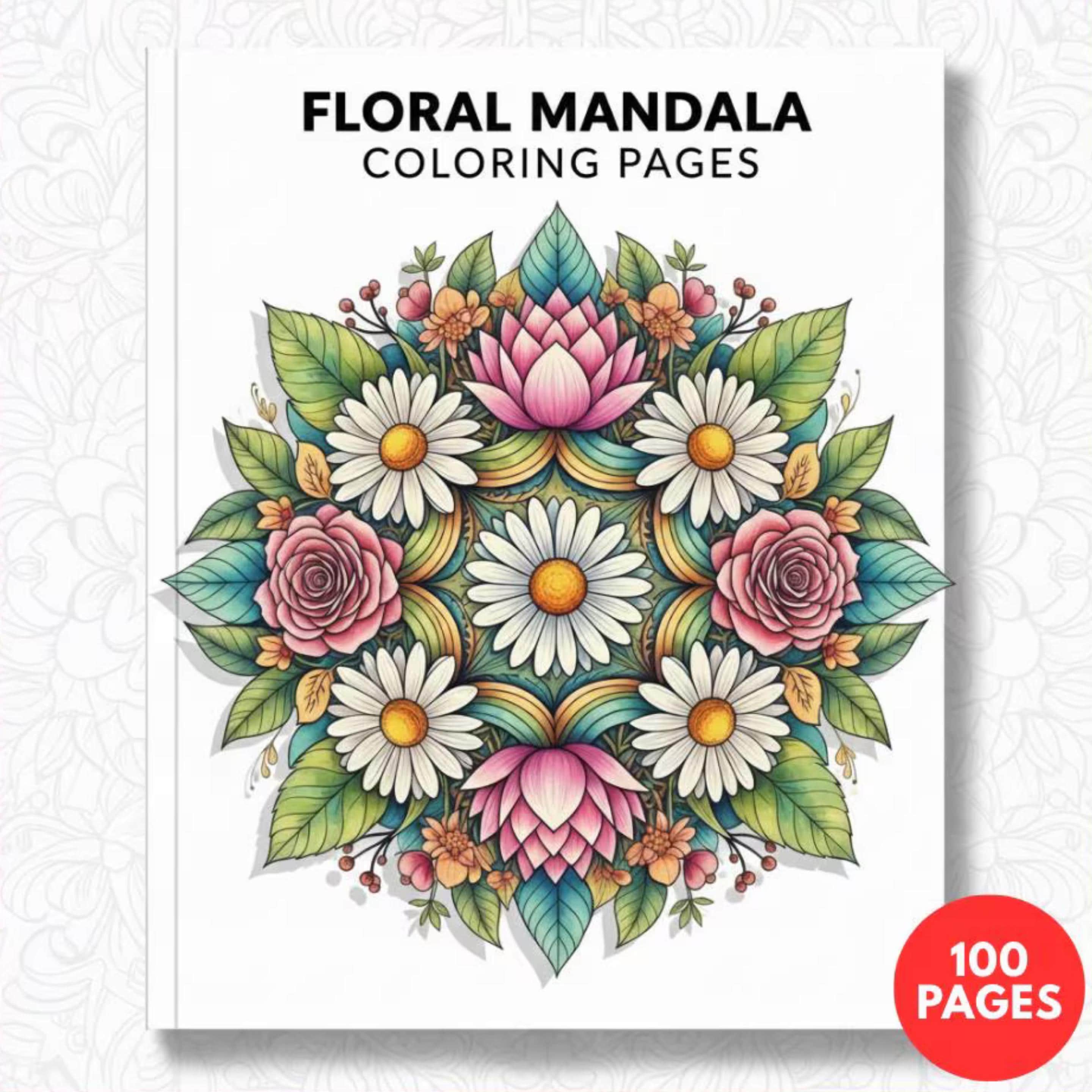
So you've downloaded a beautiful PDF coloring book — now what? Getting the best possible print quality at home is easier than you think, but there are a few key settings and paper choices that make the difference between a crisp, beautiful page and a blurry, frustrating one.
Step 1: Choose the Right Paper
Paper is the single most important factor in your coloring experience. Here's what we recommend:
- Cardstock (80-110 lb): The gold standard for coloring. Thick enough to handle markers, watercolors, and alcohol-based pencils without bleeding through. Our personal favorite.
- Premium matte photo paper: Excellent for colored pencil work. The matte surface provides just enough tooth for pigment to grip.
- Standard 20 lb printer paper: Works fine for testing and practice, but thinner paper bleeds with markers and can buckle with wet media.
💡 Pro tip: For alcohol markers like Copics or Ohuhus, always use cardstock or marker paper. Standard paper will bleed straight through and ruin your desk surface.
Step 2: Set Your Printer Correctly
Most home printers default to settings that reduce ink usage — which is great for text documents but terrible for coloring pages. Here's how to get the best results:
- Quality: Set to "Best" or "High Quality" — never "Draft"
- Paper type: Match to what you're using (e.g., "Cardstock" or "Plain Paper")
- Color settings: Set to "Grayscale" or "Black and White" — coloring pages only need black ink
- Size: "Fit to page" or "Actual size" depending on whether you want full-bleed or margins
Step 3: Check Your PDF Settings
All Noetica Store coloring books are 300 DPI — professional print resolution. To preserve this quality when printing:
- Open in Adobe Acrobat Reader (free) rather than your browser's built-in PDF viewer
- In the print dialog, select "Actual Size" or 100% — never let it auto-scale down
- If your pages seem too large for your printer, select "Fit to Printable Area"
US Letter vs A4: Which to Use?
Our coloring books are formatted for both US Letter (8.5" × 11") and A4 (210mm × 297mm). If you're in the US, use US Letter. If you're in Europe, Australia, or most of the world, use A4. The PDF will have both sizes or be formatted to fit either — simply select the correct paper size in your print settings.
Get Your Coloring Pages Ready to Print
All our PDF coloring books are 300 DPI, print-ready, and compatible with both A4 and US Letter paper sizes.
Browse Coloring Books →Troubleshooting Common Problems
Lines look blurry or pixelated
Make sure you're printing at 100% size and using "High Quality" mode. If the problem persists, check that your PDF viewer isn't compressing the image on export.
Lines are too faint
Increase your printer's contrast or darkness settings. In most printers, this is under "Advanced" settings in the print dialog.
Paper jams with cardstock
Cardstock can jam in some laser printers. Try your printer's "manual feed" tray which is typically designed for thicker paper, and feed one sheet at a time.